
To speed up and simplify your workflow, you can instantly copy an entire tab from one dashboard to another, including all data, controls, and connections – perfect for teams building multiple similar dashboards or working in distributed environments.
Tabs copying is available when
-
User has a system role
Dashboard Creator -
User has at least
Viewpermission on all related databases of the source dashboard. -
User has
Editpermission to the source and target dashboards.
To copy a tab
Open the left menu → select the tab → click the ‘snowman’ icon and select Copy to → select the target dashboard from the list → confirm.
All logic is preserved during copying: database connections, controls, contexts, and reports.
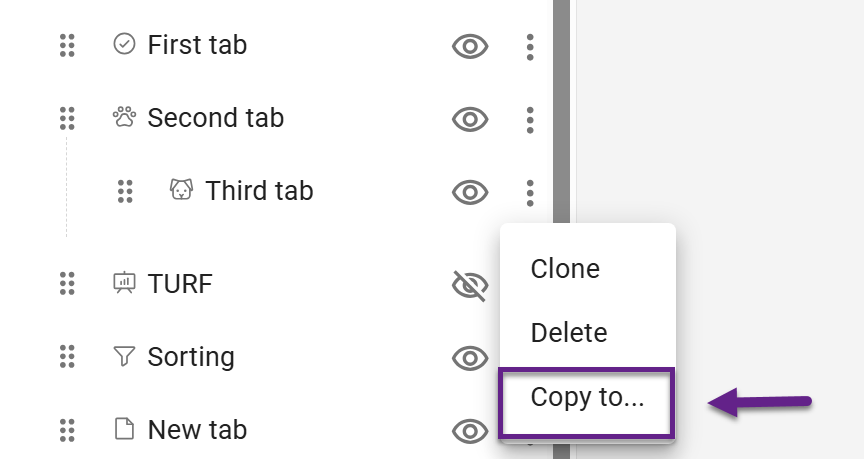
The copied tab is added to the end of the target dashboard’s menu and is hidden by default.