
Callouts let you highlight a single metric in a fixed column beside the chart, keeping values always visible and easy to compare.
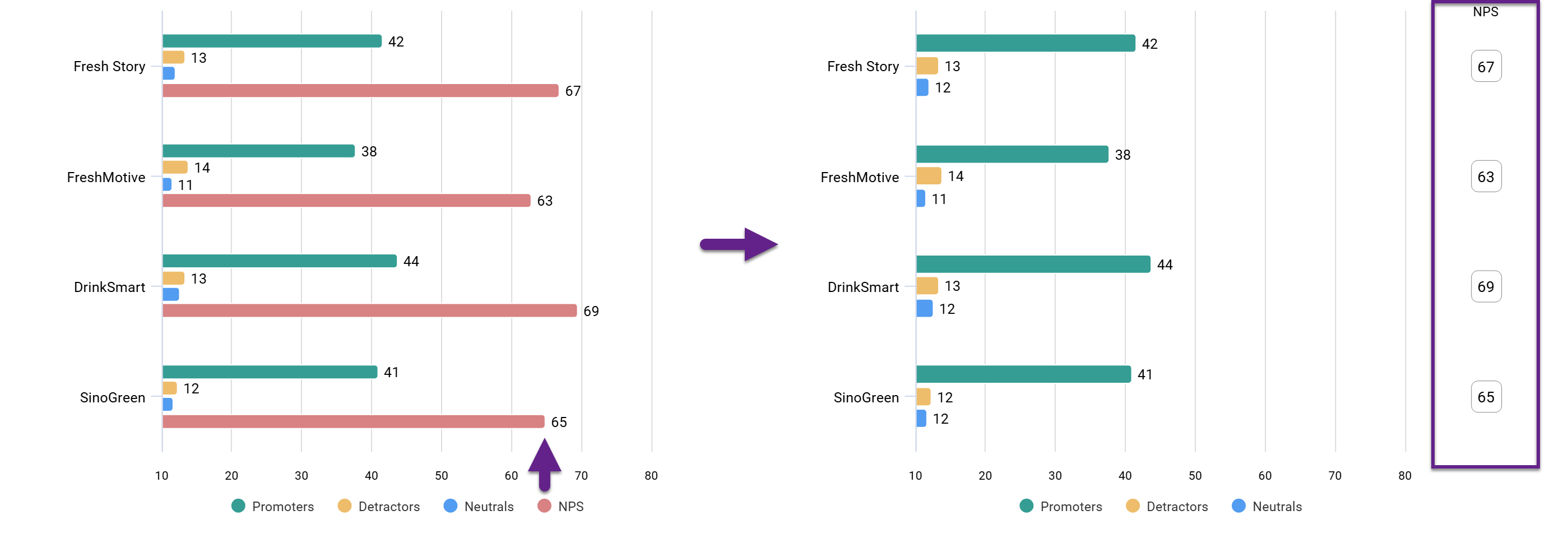
How to switch on callouts
Callouts are available only for horizontal bar charts.
When a horizontal bar chart is selected, the Callouts option appears in the left menu in the Chart tab. Use the toggle to enable callouts.
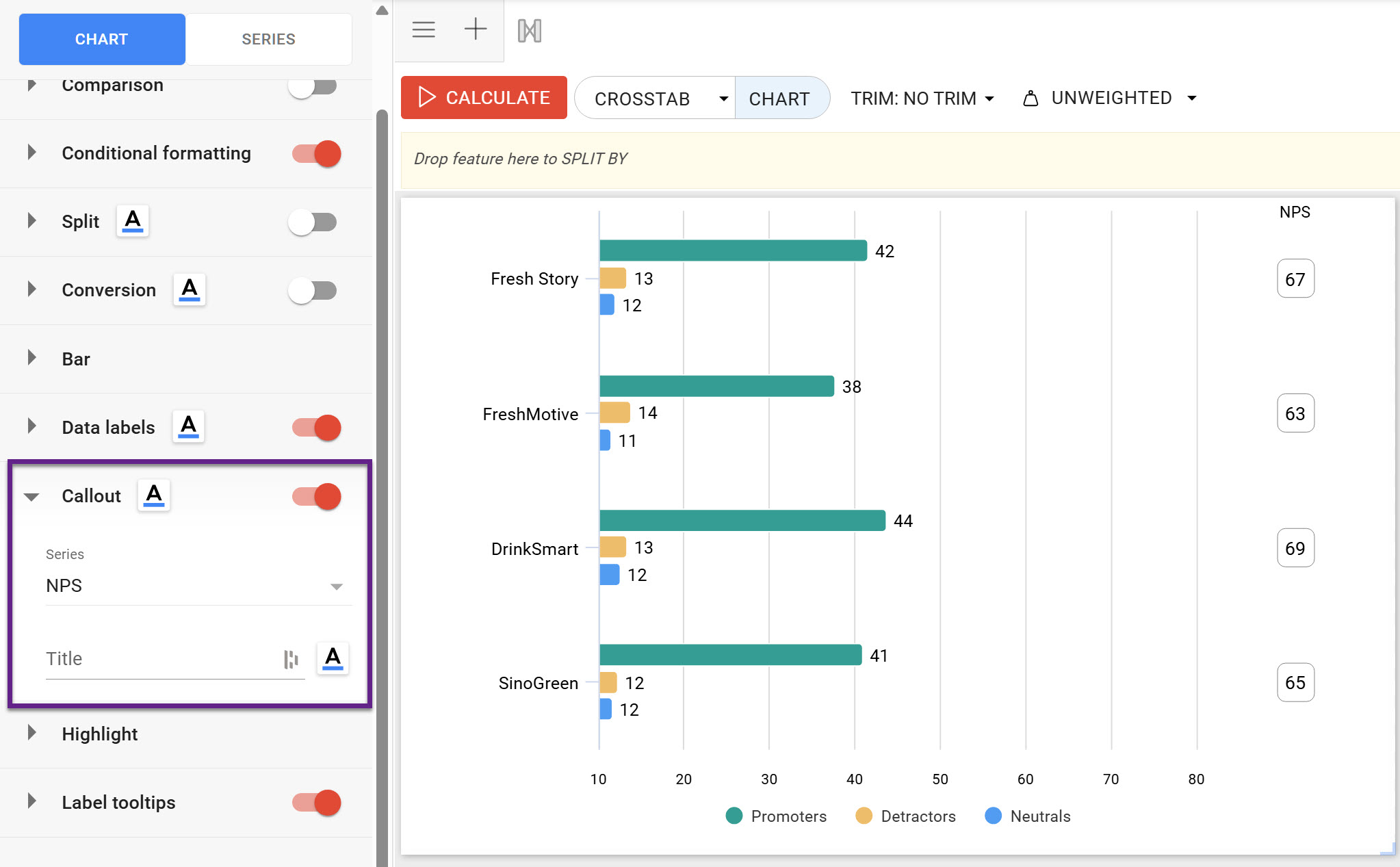
After enabling, select the series to display in the callout. You can choose only from the series already presented in the chart.
The callout title is designed to replace the series label on the dashboard. If the title is left empty, the original series label is shown.