
Required Role: Supervisor
When a team member leaves or changes roles, we recommend transferring their data to another owner before deleting the account. This helps prevent accidental data loss associated with the user being removed.
The action can’t be performed
-
on yourself
-
against users who do not own any data.
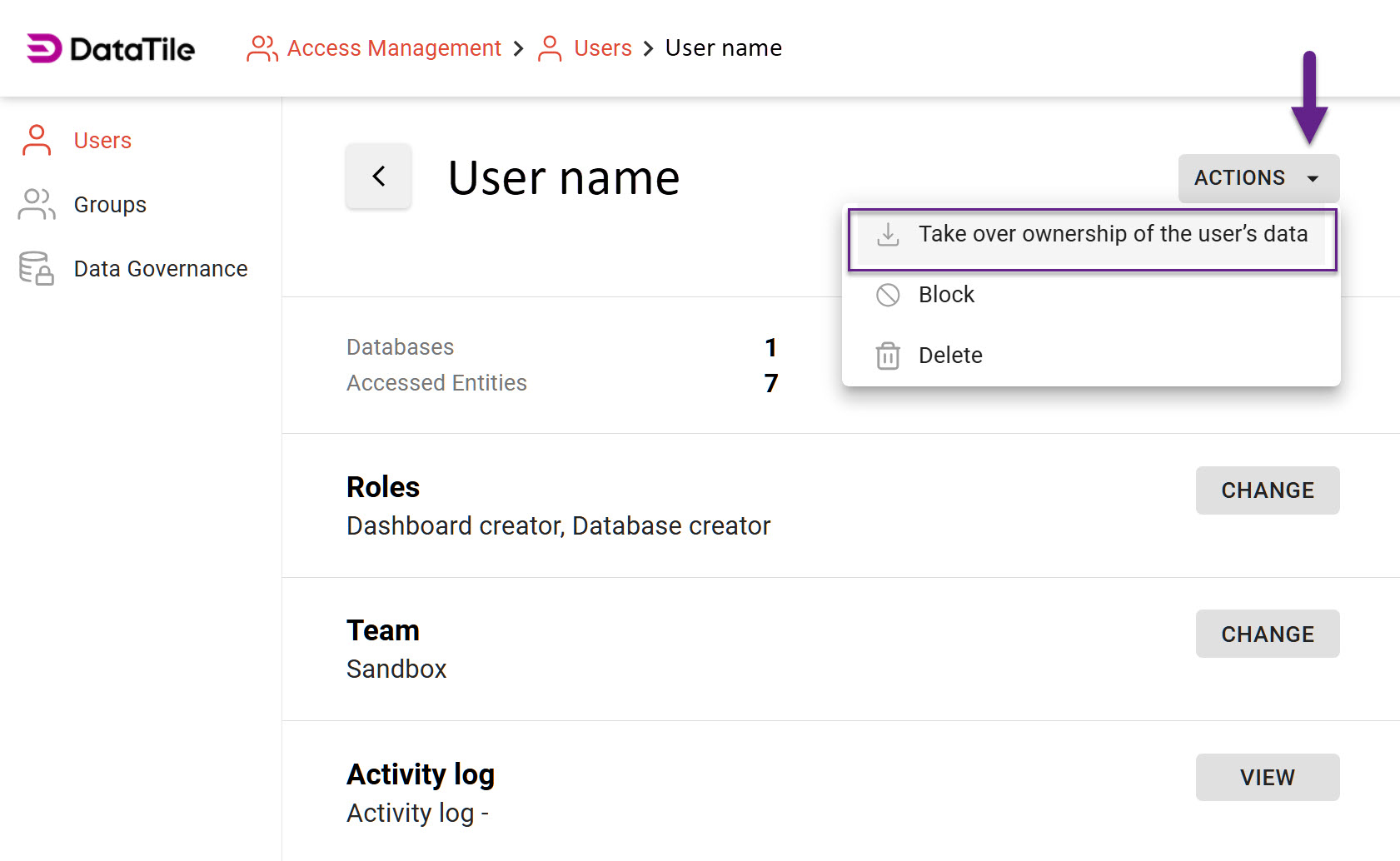
How to initiate the data ownership transfer:
-
Go to Access Management → Users;
-
Select the user you need to transfer data from.
-
Click the ‘Actions’ button on the right of the user’s name.
-
Click ‘Take over ownership of the user’s data'.
Please be aware that the user will receive an email notification regarding this transaction. Your name and email will be shared with them for potential reconciliation purposes.
After the data is transferred, you may proceed to the User deletion.